Mobile App UI/UX Optimization
Mobile app UX audit and optimisation services — diagnose the onboarding failures, navigation dead-ends, and conversion bottlenecks causing drop-off and poor App Store ratings in your existing app.
A technically capable mobile app with poor UX will haemorrhage users regardless of how well the code is written. Low App Store ratings, high day-one churn, and stagnant retention metrics are symptoms of UX problems — and most development teams lack the structured process to diagnose them objectively from inside the project. We bring an independent UX lens to your existing mobile application, diagnosing the friction points that are costing you users and implementing targeted fixes with measurable retention impact.
Our mobile app UX optimisation engagements combine session recording analysis (Mixpanel, Amplitude, UXCam, or FullStory), heuristic evaluation against Nielsen's 10 usability heuristics, WCAG 2.1 mobile accessibility audits, App Store review sentiment analysis, funnel drop-off mapping, and user interviews where appropriate. We have diagnosed and remediated UX problems for consumer apps, B2B mobile tools, fintech wallets, health and fitness apps, and e-commerce applications — delivering average retention improvements of 25–40% within two sprint cycles post-implementation.
Critically, we implement the fixes ourselves — we do not hand you a 60-slide PowerPoint and walk away. Redesigned screens go through Figma prototype validation with real users before engineering time is spent, and changes are shipped with A/B test variants so improvements are validated against real user behaviour rather than assumptions. Every change is tracked with before-and-after metrics: Day 1, Day 7, and Day 30 retention, session depth, task completion rate, and App Store rating trend.
-
Full heuristic evaluation with severity-ranked UX issues list
-
Session recording and funnel drop-off analysis with annotated findings
-
Redesigned user flows for highest-impact screens in Figma with prototype validation
-
A/B test design, implementation, and statistical significance analysis
-
WCAG 2.1 mobile accessibility audit with full remediation implementation
-
App Store listing review, keyword optimisation, and screenshot conversion improvements
Why RapideKops?
- We audit your existing app — a full rebuild is rarely necessary and almost never recommended first
- Findings are severity-ranked by estimated retention and rating impact, not listed arbitrarily
- We implement fixes — not produce a slide deck of recommendations for your team to interpret
- A/B testing infrastructure configured so every change is validated with real user behaviour
- Accessibility improvements benefit all users, reduce legal risk, and improve App Store rankings
- Before-and-after retention, CSAT, and store rating tracked for every change we implement
Our Delivery Process
UX Audit
Heuristic evaluation of every screen combined with session recordings, funnel analysis, and App Store review sentiment. Output: a severity-ranked issues list.
Redesign
We redesign the highest-impact screens and flows in Figma, producing interactive prototypes validated with real target users before development begins.
Implement & A/B Test
Changes are implemented with A/B test variants so every improvement is validated against real user behaviour — not shipped on assumption alone.
Measure & Iterate
Day 1, 7, and 30 retention, session depth, and store ratings are tracked post-launch. We iterate on any change that did not move its target metric.
Frequently Asked Questions
Recent Work
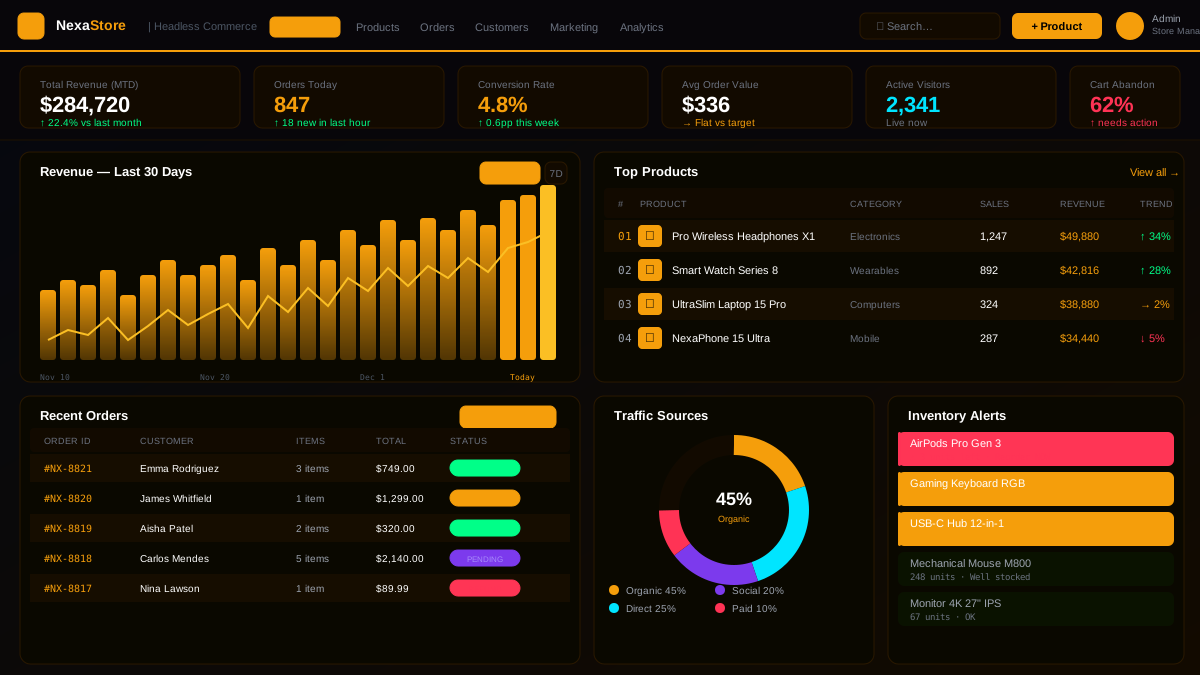
NexaStore — Headless E-Commerce Platform
A high-performance headless e-commerce platform handling 50,000 daily transactions with su...
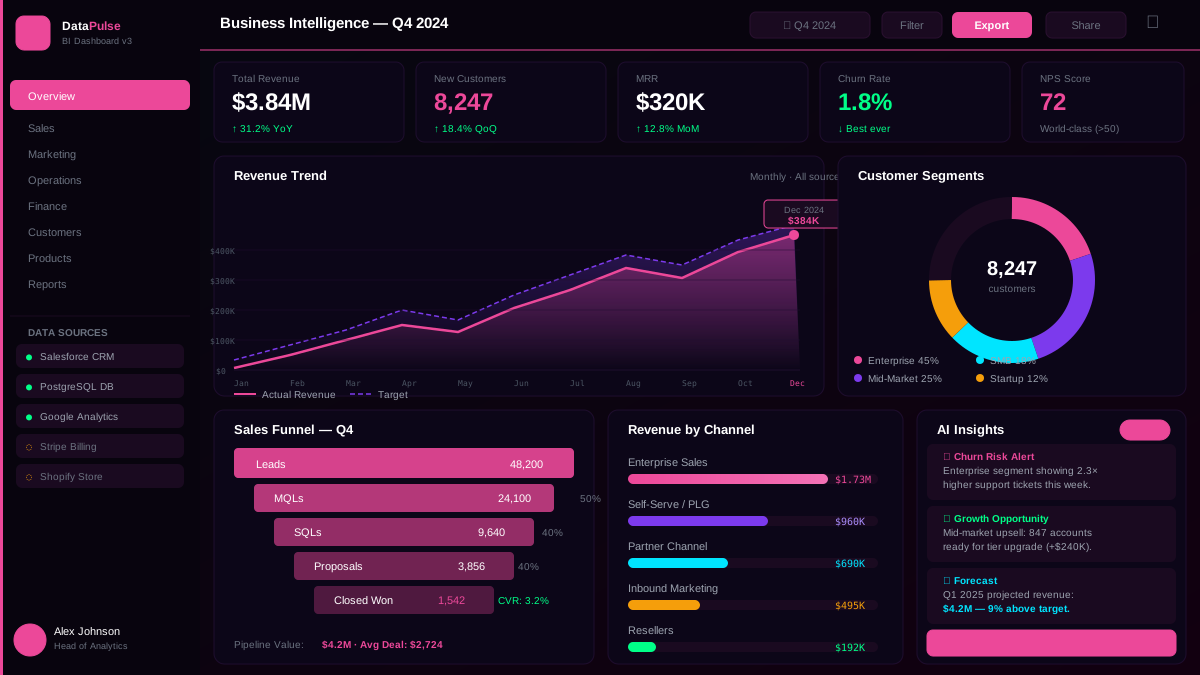
DataPulse — Business Intelligence Dashboard
A natural-language BI dashboard that lets non-technical executives query company data in p...
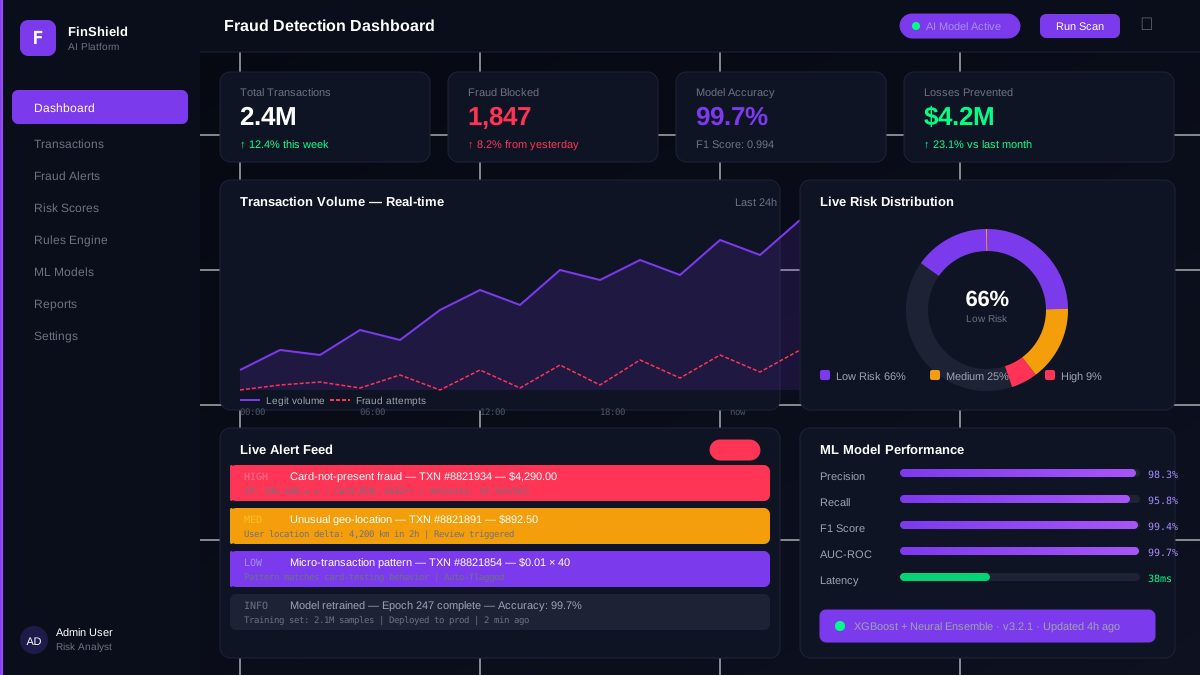
FinShield AI — Real-Time Fraud Detection Platform
A GPT-4 powered fraud intelligence system that cut false positives by 87% and processes 2....
From the Blog
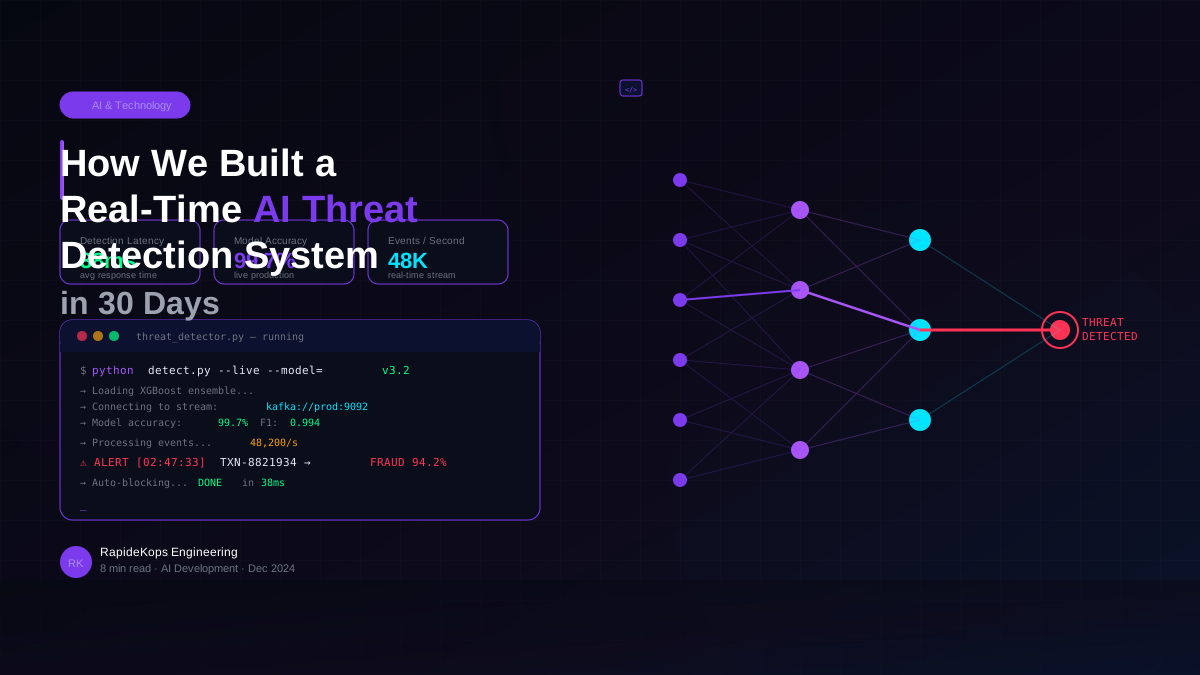
How We Built a Real-Time AI Threat Detection System in 30 Days
A behind-the-scenes look at how our team architected and shipped a GPT-4 powered threat intelligence...
Read Article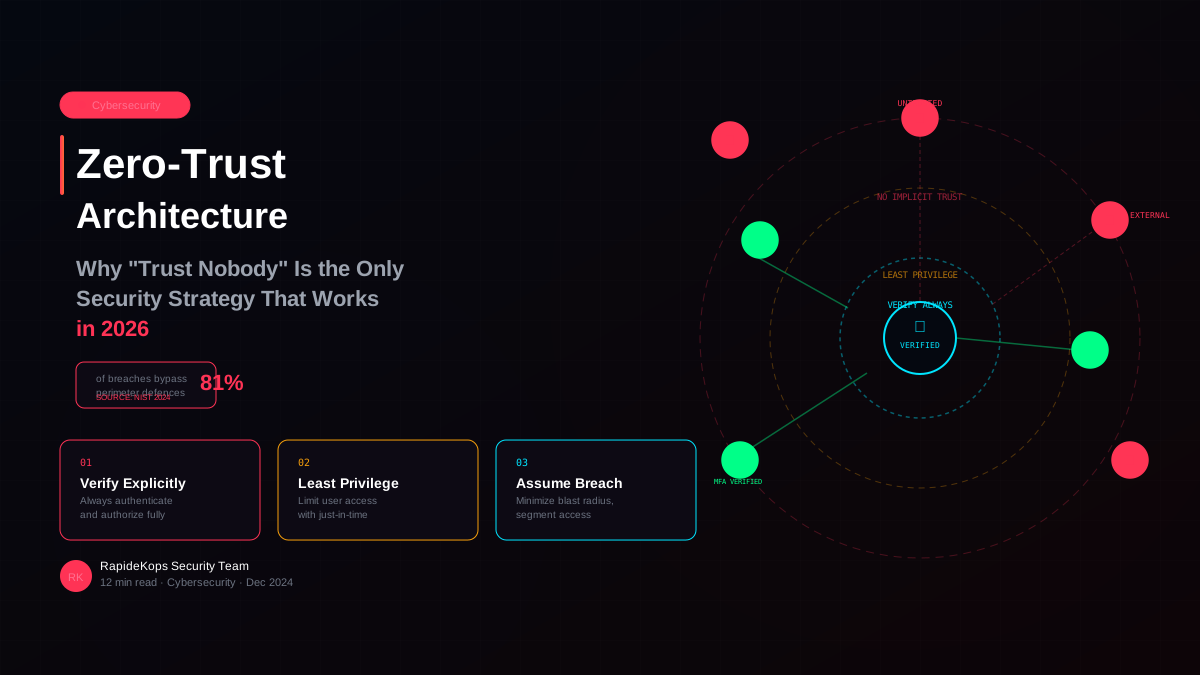
Zero-Trust Architecture: Why Trust Nobody Is the Only Security Strategy That Works in 2026
Perimeter security is dead. Here is a practical guide to implementing zero-trust architecture — the...
Read Article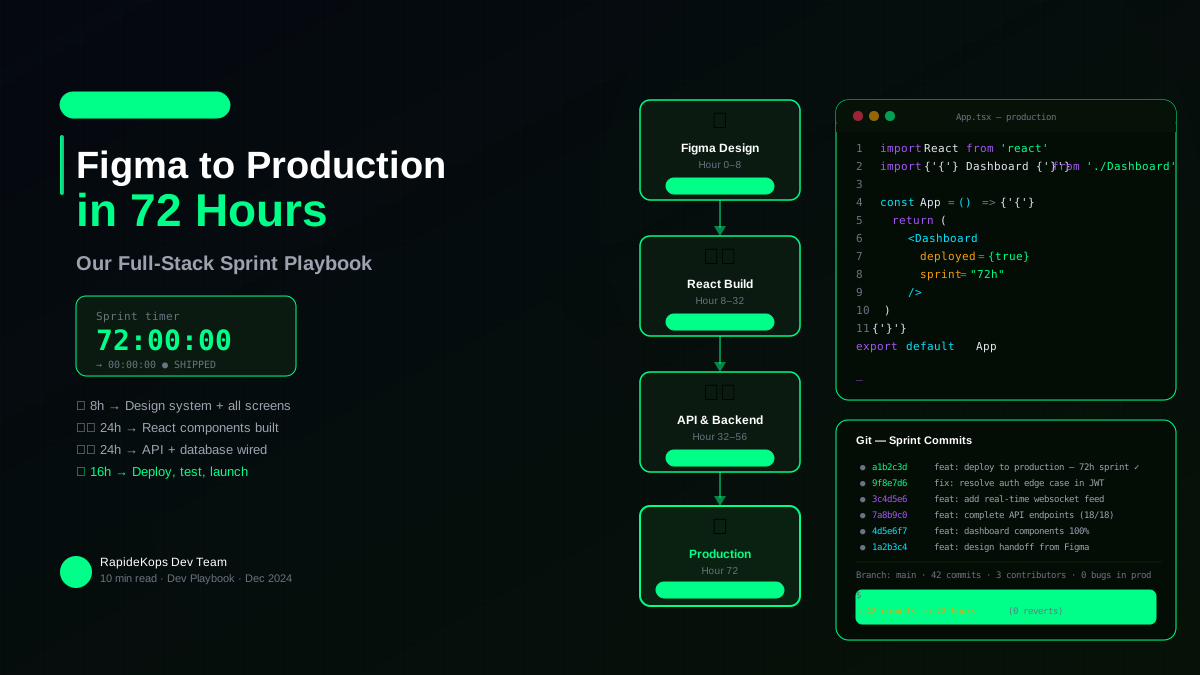
From Figma to Production in 72 Hours: Our Full-Stack Sprint Playbook
Speed without chaos. Here is the exact playbook we use to take a client from approved designs to a l...
Read ArticleReady to Stop Losing Users to Bad UX?
Tell us what your analytics and App Store reviews are showing — we will diagnose the UX problems and implement the fixes that improve retention.