CMS Development
Custom CMS development services — headless and traditional content management systems built around your content model and editorial workflow, not the other way around.
Generic content management systems force your editorial team to work around platform limitations — content types that almost fit, publishing workflows that require workarounds, and admin interfaces your editors dread using. Custom CMS development eliminates every one of those compromises by building a content management system shaped precisely around your content model, editorial roles, and publishing process.
We deliver headless CMS solutions using Strapi, Payload CMS, Directus, and fully custom Laravel or Node.js backends — paired with any frontend framework including Next.js, Nuxt, Astro, or SvelteKit. We also build hybrid and traditional CMSs on WordPress headless architecture with ACF Pro for complex content types. Every CMS we build is paired with a content delivery API (REST or GraphQL) so your content works across web, mobile, digital signage, and third-party distribution channels from a single source of truth.
For media-heavy editorial teams, we build optimised media libraries with automatic WebP conversion, responsive image generation, and CDN delivery via Cloudflare or AWS CloudFront. Role-based permissions — separating contributor, editor, reviewer, and publisher roles — prevent accidental publishing and ensure your editorial governance process is enforced at the system level. Revision history, content scheduling, and multi-language support are standard inclusions, not paid add-ons.
-
Custom content type and field schema design matched to your editorial taxonomy
-
Admin panel with inline editing, live preview, and draft/published state management
-
Media library with WebP conversion, responsive variants, and CDN delivery
-
Role-based permissions: contributor, editor, reviewer, and publisher roles
-
Revision history, content scheduling, and multi-locale support
-
REST and GraphQL content delivery API for headless and omnichannel publishing
Why RapideKops?
- Content model is designed for your editorial workflow first — the CMS is built to it
- Headless, hybrid, or traditional — we recommend the architecture that fits your team and stack
- Role permissions prevent accidental publishing and enforce editorial governance
- Revision history means content mistakes are always reversible — no catastrophic overwrites
- Media pipeline with WebP conversion and CDN caching improves Core Web Vitals automatically
- API-first delivery: your content reaches web, mobile, and third-party platforms from one source
Our Delivery Process
Content Modelling
We map your content types, field relationships, taxonomies, and editorial roles before any code is written — a good content model is the foundation of a maintainable CMS.
CMS Build
We build the admin panel, field types, media library, and role permissions — then hand it to your editorial team for feedback before frontend work begins.
Frontend Integration
We build the content delivery layer — REST or GraphQL for headless, or server-rendered templates for traditional — optimised for SEO and Core Web Vitals.
Train & Launch
We train your editorial team, document your content model and workflows, and launch with monitoring to catch any issues in the first 48 hours post-go-live.
Frequently Asked Questions
Recent Work
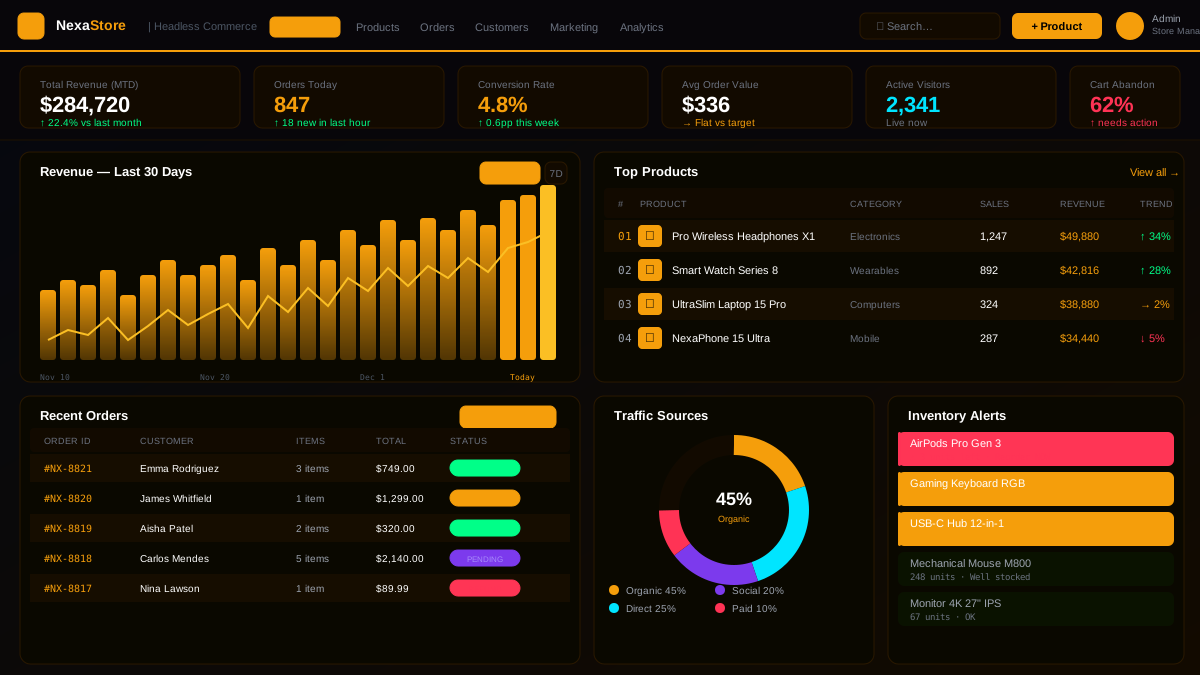
NexaStore — Headless E-Commerce Platform
A high-performance headless e-commerce platform handling 50,000 daily transactions with su...
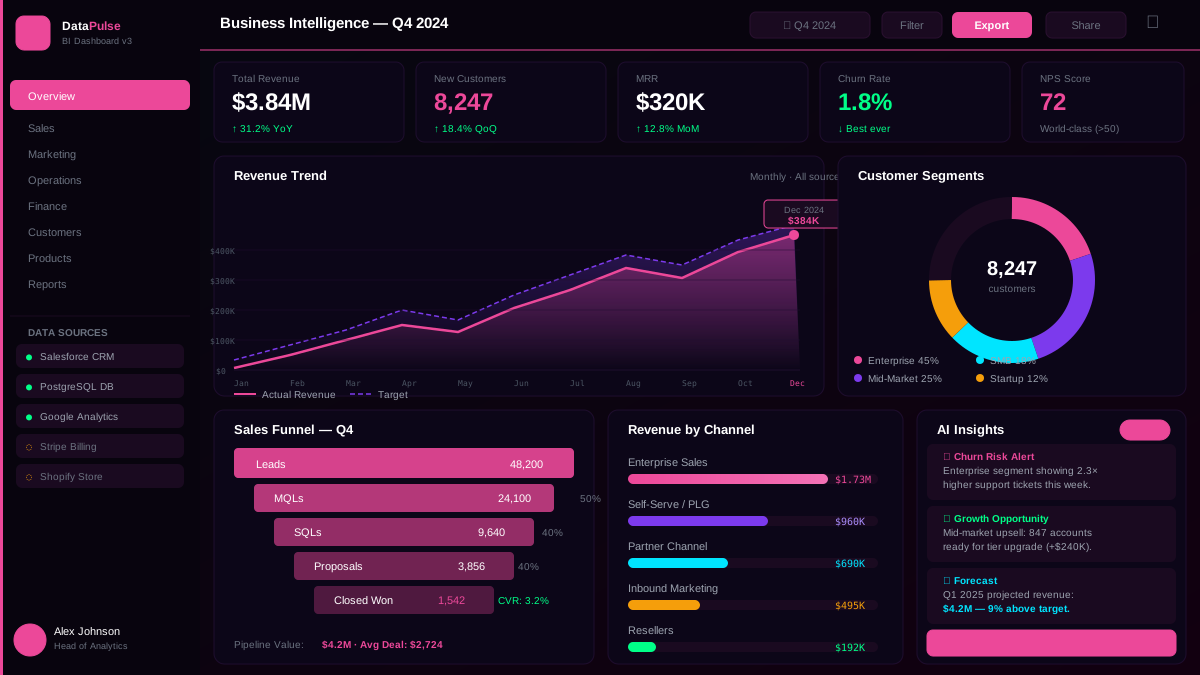
DataPulse — Business Intelligence Dashboard
A natural-language BI dashboard that lets non-technical executives query company data in p...
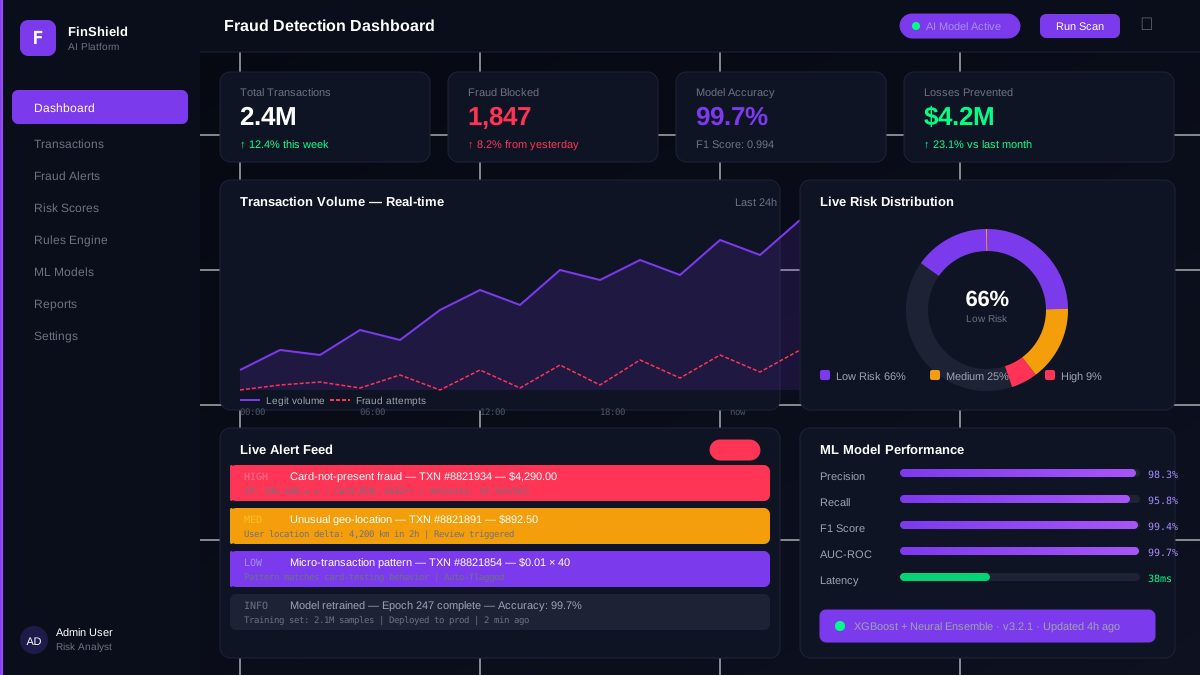
FinShield AI — Real-Time Fraud Detection Platform
A GPT-4 powered fraud intelligence system that cut false positives by 87% and processes 2....
From the Blog
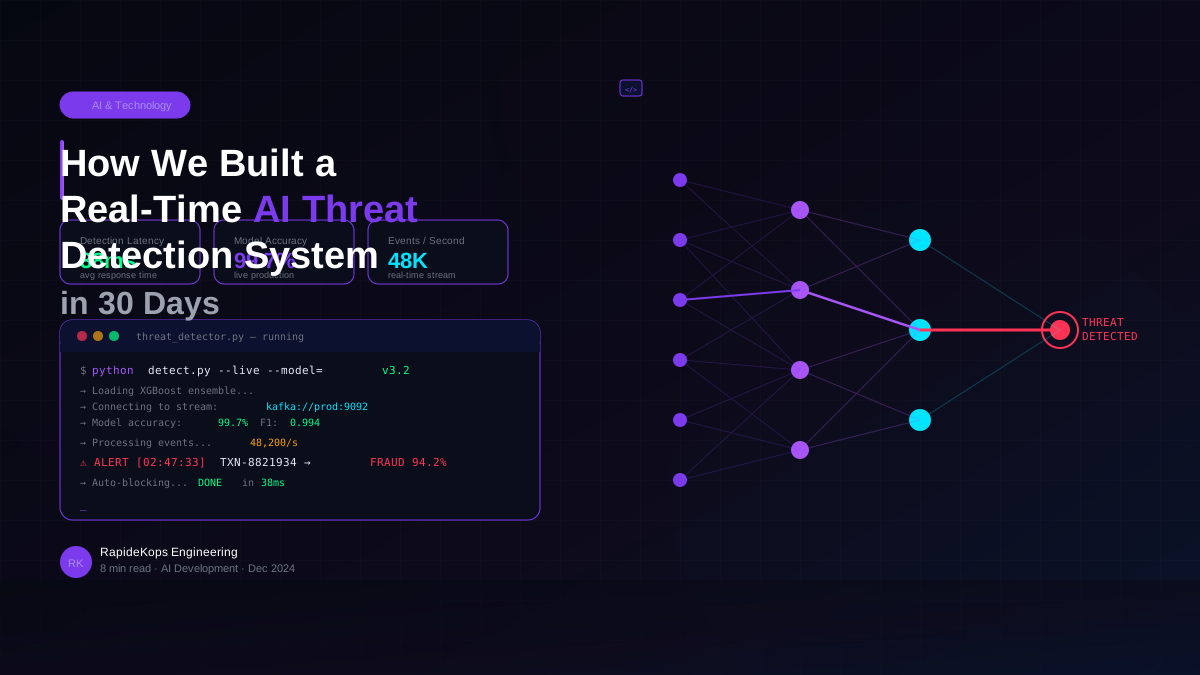
How We Built a Real-Time AI Threat Detection System in 30 Days
A behind-the-scenes look at how our team architected and shipped a GPT-4 powered threat intelligence...
Read Article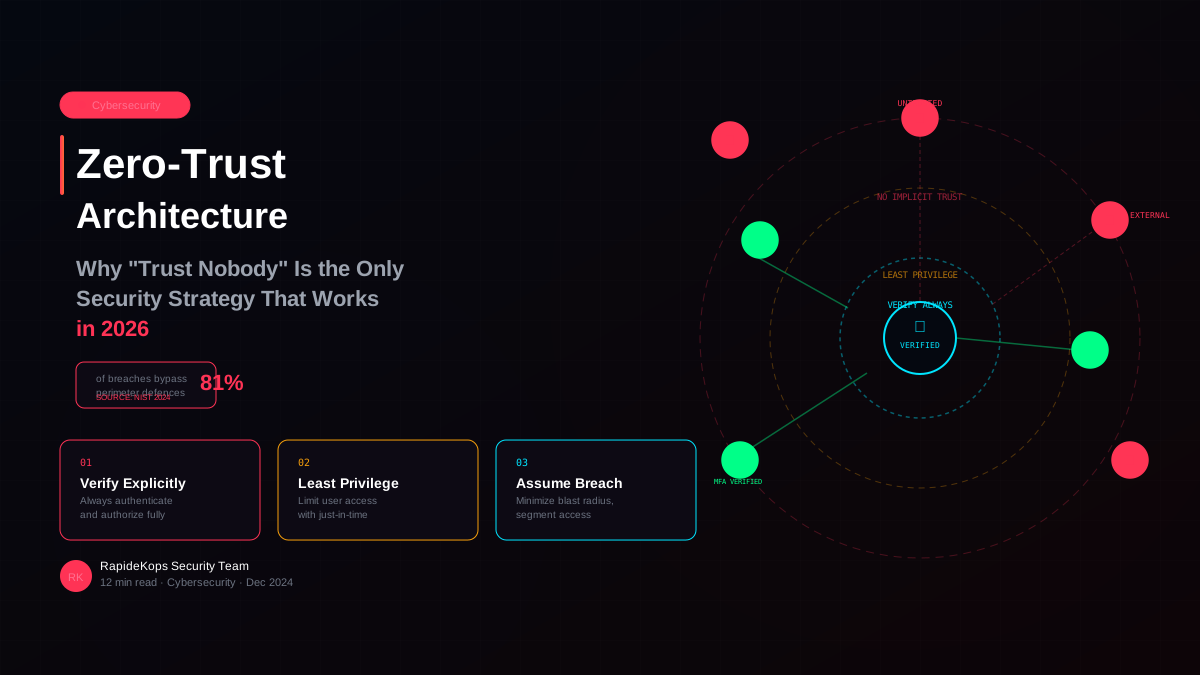
Zero-Trust Architecture: Why Trust Nobody Is the Only Security Strategy That Works in 2026
Perimeter security is dead. Here is a practical guide to implementing zero-trust architecture — the...
Read Article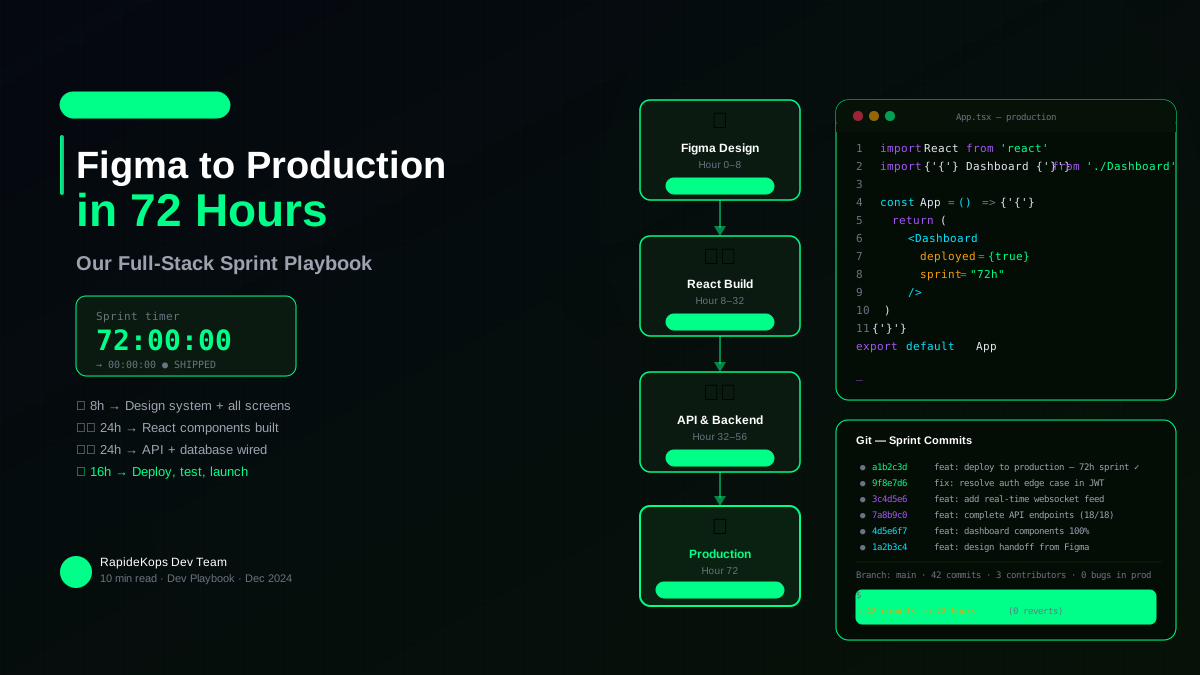
From Figma to Production in 72 Hours: Our Full-Stack Sprint Playbook
Speed without chaos. Here is the exact playbook we use to take a client from approved designs to a l...
Read ArticleReady to Own Your Content Without the Platform Limitations?
We will design a CMS your editorial team actually enjoys using — built around your content model, not a generic template you have to work around.